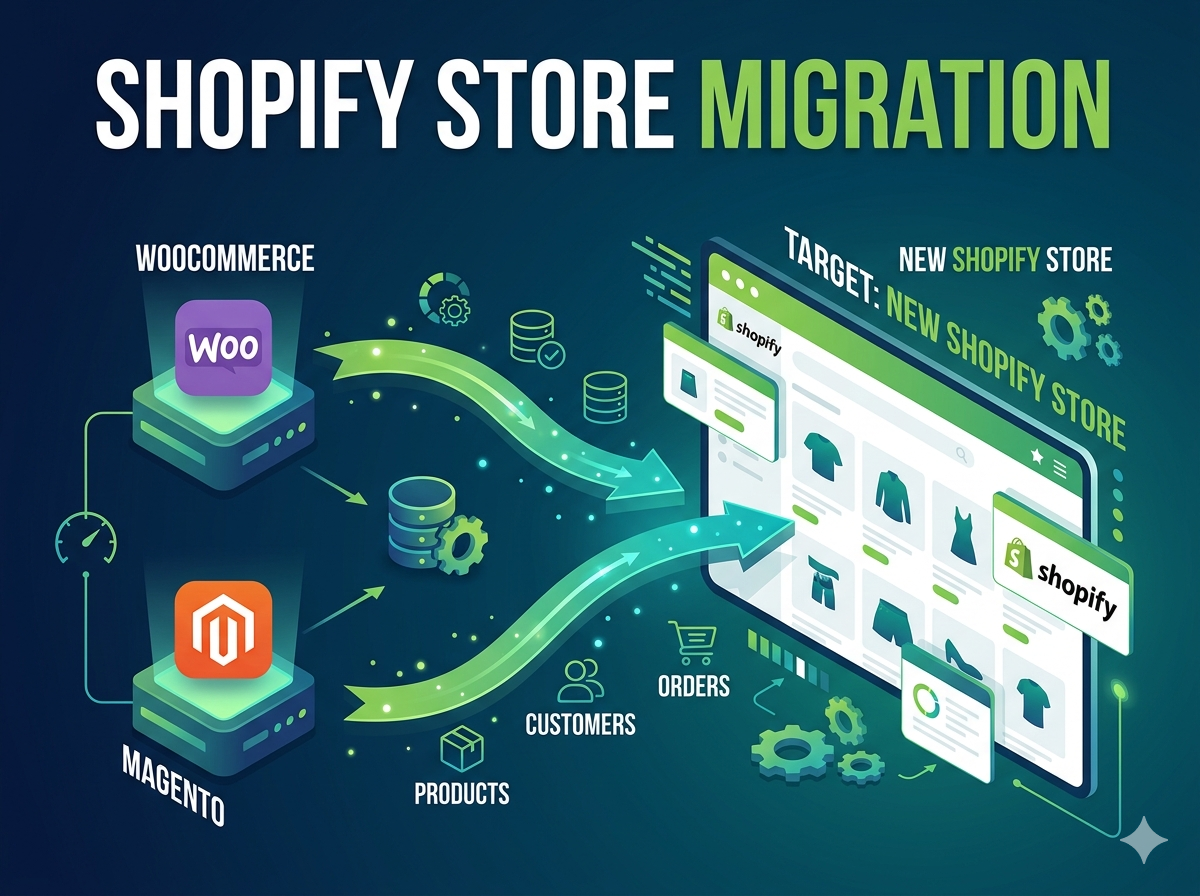
Many growing eCommerce businesses eventually realize their current platform is slowing them down. Platforms like WooCommerce, Magento, OpenCart, or PrestaShop often require constant maintenance, hosting management, and technical updates.
That’s why thousands of merchants are moving to Shopify, a fully managed eCommerce platform designed for speed, scalability, and easier store management.
If you’re planning to migrate your store, this guide explains why businesses move to Shopify, what the migration process looks like, and how to do it safely without losing SEO or customer data.
Why Businesses Are Migrating to Shopify
Many merchants start with platforms like WooCommerce or Magento because they are flexible. But as the business grows, managing the technical side becomes complicated.
1. Easier Store Management
WooCommerce and Magento often require:
- Hosting setup
- Plugin updates
- Security patches
- Developer maintenance
Shopify removes most of this work because it is a fully hosted SaaS platform, meaning Shopify handles infrastructure, security, and updates automatically.
This allows merchants to focus more on sales, marketing, and customer experience rather than technical maintenance.
2. Faster Store Performance
Store speed directly impacts conversion rates.
Shopify provides cloud hosting and optimized infrastructure, ensuring fast load times and stable performance even during high traffic events like Black Friday or flash sales.
This performance advantage is one of the major reasons large brands move to Shopify.
3. Lower Long-Term Maintenance Costs
Self-hosted platforms may appear cheaper initially, but they often include hidden costs such as:
- Hosting servers
- Security monitoring
- Developer maintenance
- Plugin conflicts
Shopify offers predictable pricing while eliminating most infrastructure costs.
4. Strong App Ecosystem
Shopify has thousands of apps that allow businesses to add features like:
- Email marketing
- Subscription systems
- Loyalty programs
- Product bundling
- Advanced analytics
Instead of building everything from scratch, merchants can install reliable apps and launch features quickly.
5. Better Support and Ecosystem
Unlike some open-source platforms, Shopify provides:
- 24/7 support
- Detailed documentation
- A large partner ecosystem
- Regular platform improvements
This makes it easier for businesses to grow without constantly worrying about technical issues.
What Data Can Be Migrated to Shopify
When migrating an eCommerce store, it is important to transfer all essential data.
Typical migrations include:
Products
- Product titles
- Descriptions
- Variants
- Images
- Inventory
Customers
- Customer profiles
- Order history
- Contact information
Orders
- Previous orders
- Payment records
- Shipping information
Content
- Pages
- Blogs
- Categories
Most migration tools or services support transferring products, customers, orders, blog posts, and other store content from WooCommerce or Magento to Shopify.
Challenges During Store Migration
Store migration is not just copying data. It requires careful planning to avoid problems.
SEO Ranking Loss
If URLs change without proper redirects, search engines may lose track of your pages.
To prevent this, migration must include:
- 301 redirects
- SEO metadata transfer
- URL structure mapping
Proper SEO migration helps maintain existing rankings and traffic.
Data Integrity
During migration, it is important to ensure that:
- Product variants are mapped correctly
- Customer accounts remain intact
- Order history remains accessible
Testing is essential before the new store goes live.
App and Feature Replacement
Plugins from WooCommerce or Magento usually do not transfer directly.
Instead, equivalent Shopify apps or custom development must replace those features.
Shopify Store Migration Process
A professional Shopify migration typically follows these steps.
1. Store Audit
Analyze the current platform, features, and integrations.
2. Data Backup
Create a full backup of products, orders, and customers.
3. Shopify Store Setup
Configure the new Shopify store, theme, and settings.
4. Data Migration
Import products, customers, and order history.
5. SEO Setup
Implement redirects and preserve metadata.
6. Testing
Verify checkout, payments, shipping rules, and product data.
7. Launch
Switch the domain and go live.
A structured migration process ensures the store launches without downtime or lost data.
Professional Shopify Store Migration Service
Migrating an eCommerce store can be complex, especially for stores with:
- Thousands of products
- Custom functionality
- SEO rankings to protect
If you are planning to move your store to Shopify, I offer a professional migration service that includes:
- Complete store data migration
- Product, customer, and order transfer
- SEO preservation and redirects
- Theme setup and configuration
- Post-migration testing
👉 View the service here:
https://www.upwork.com/services/product/development-it-shopify-store-migration-from-woocommerce-magento-or-other-platforms-2032342433566516197
Final Thoughts
Migrating to Shopify is often a strategic move for businesses that want:
- Faster store performance
- Easier management
- Reliable infrastructure
- A powerful app ecosystem
With the right migration strategy, businesses can move from platforms like WooCommerce or Magento to Shopify without losing data, customers, or SEO rankings.
If your current platform is slowing your growth, Shopify migration may be the next step toward scaling your eCommerce business.